I already have Discord
Connect your account to the site: we'll try to add you to the server automatically. If needed, we'll show you an invitation.
Connect my account
Discord · Our virtual classroom
Italiano Veloce lessons take place on Discord. It's a free app where you can speak, listen and meet the community. Use it on your computer or phone, even if you're new to it.

Follow these steps to start using Discord with Italiano Veloce.
1 / 6
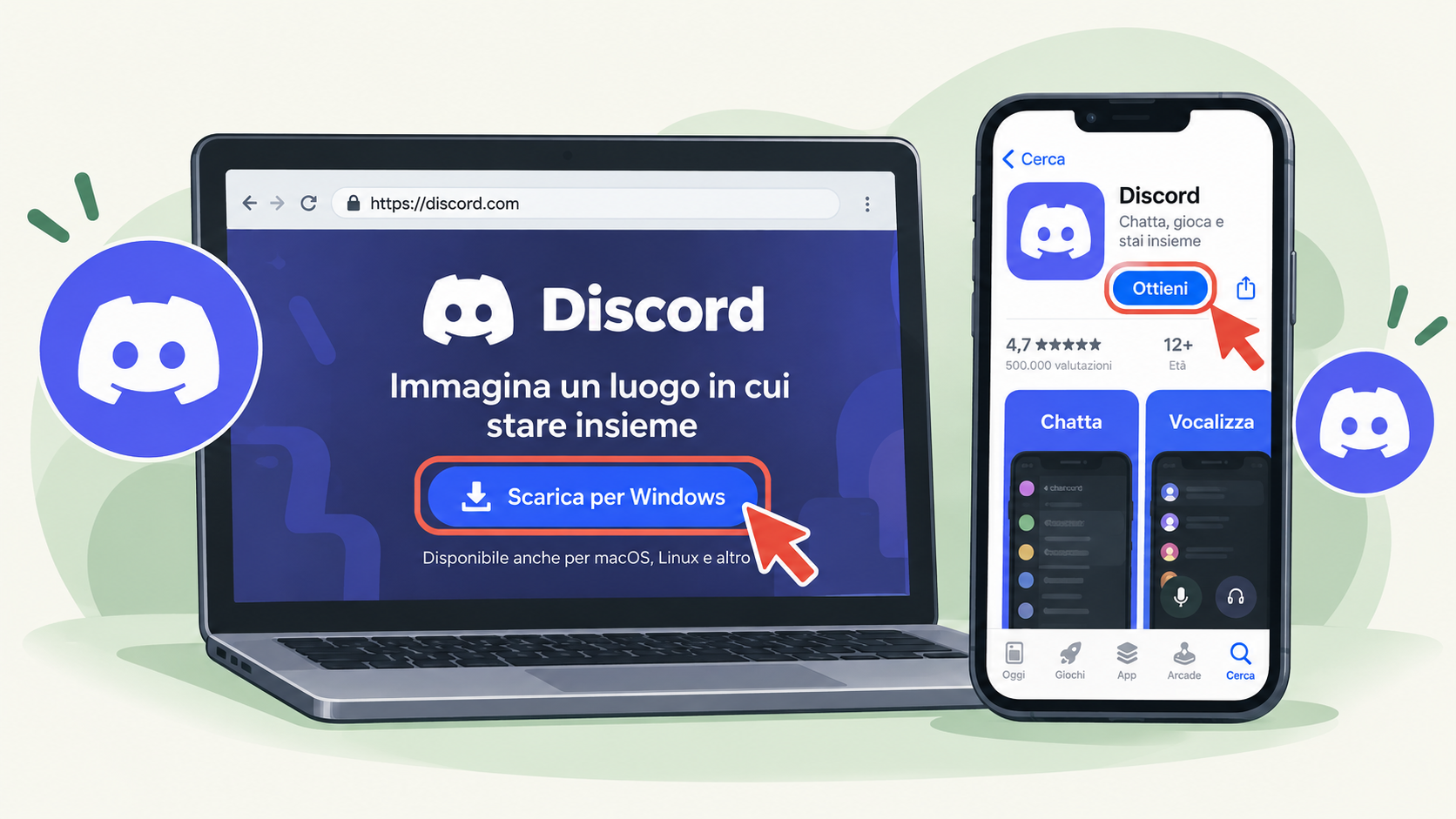
Download and install the free Discord app on your computer or smartphone.
2 / 6
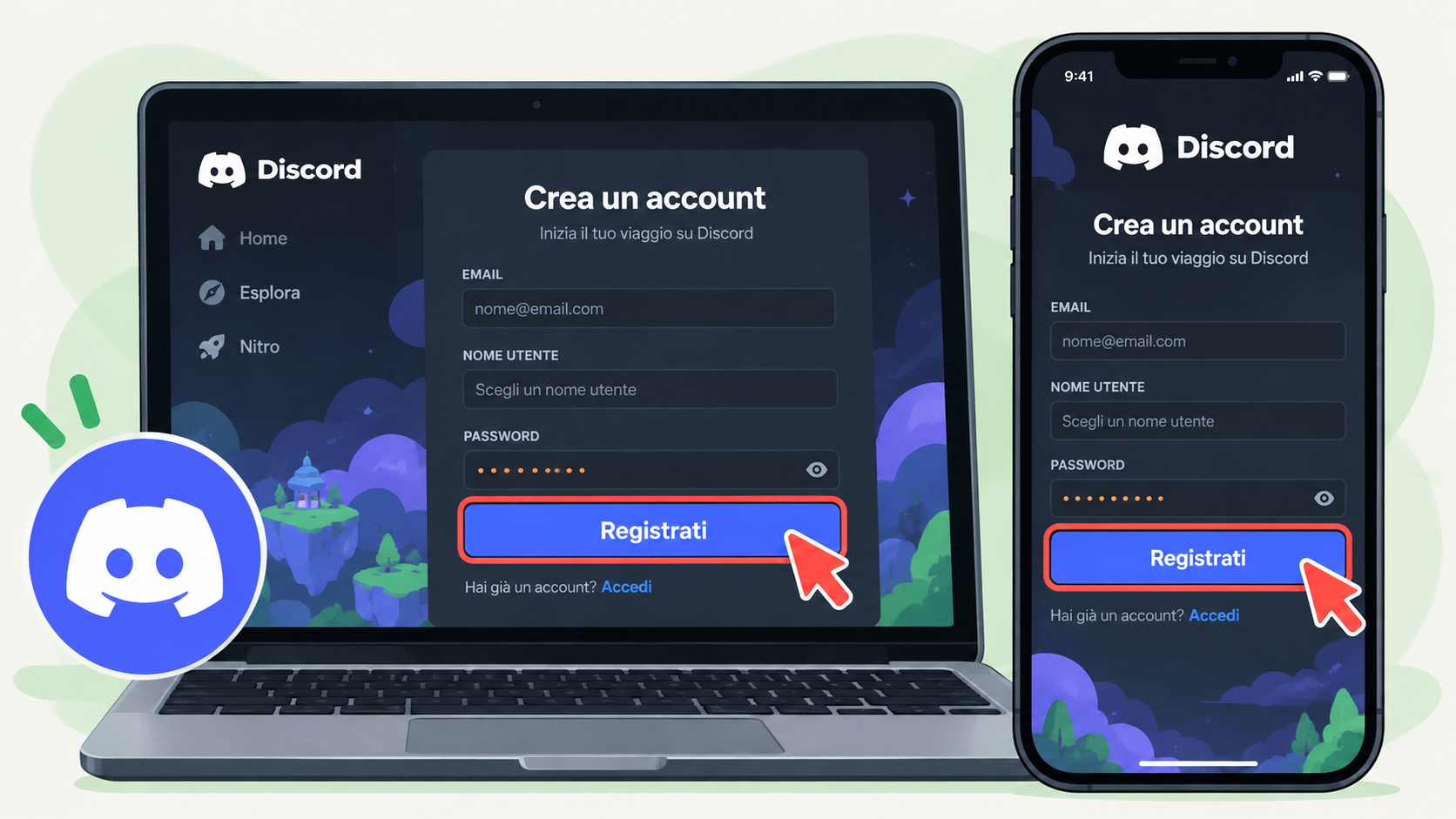
Open Discord, choose Register, and create your account with the requested information.
3 / 6
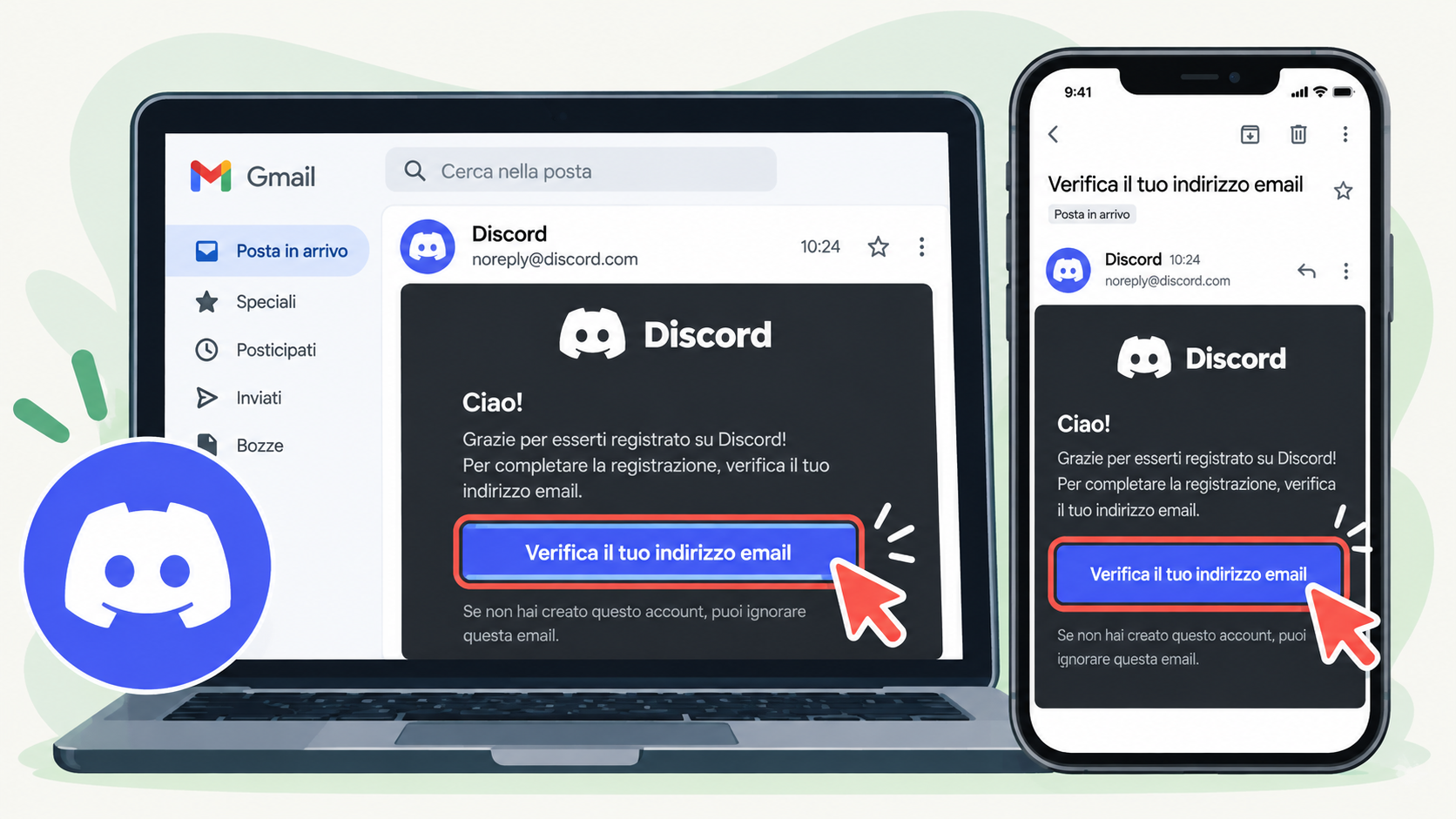
Open the email from Discord and select Verify Email Address to confirm your registration.
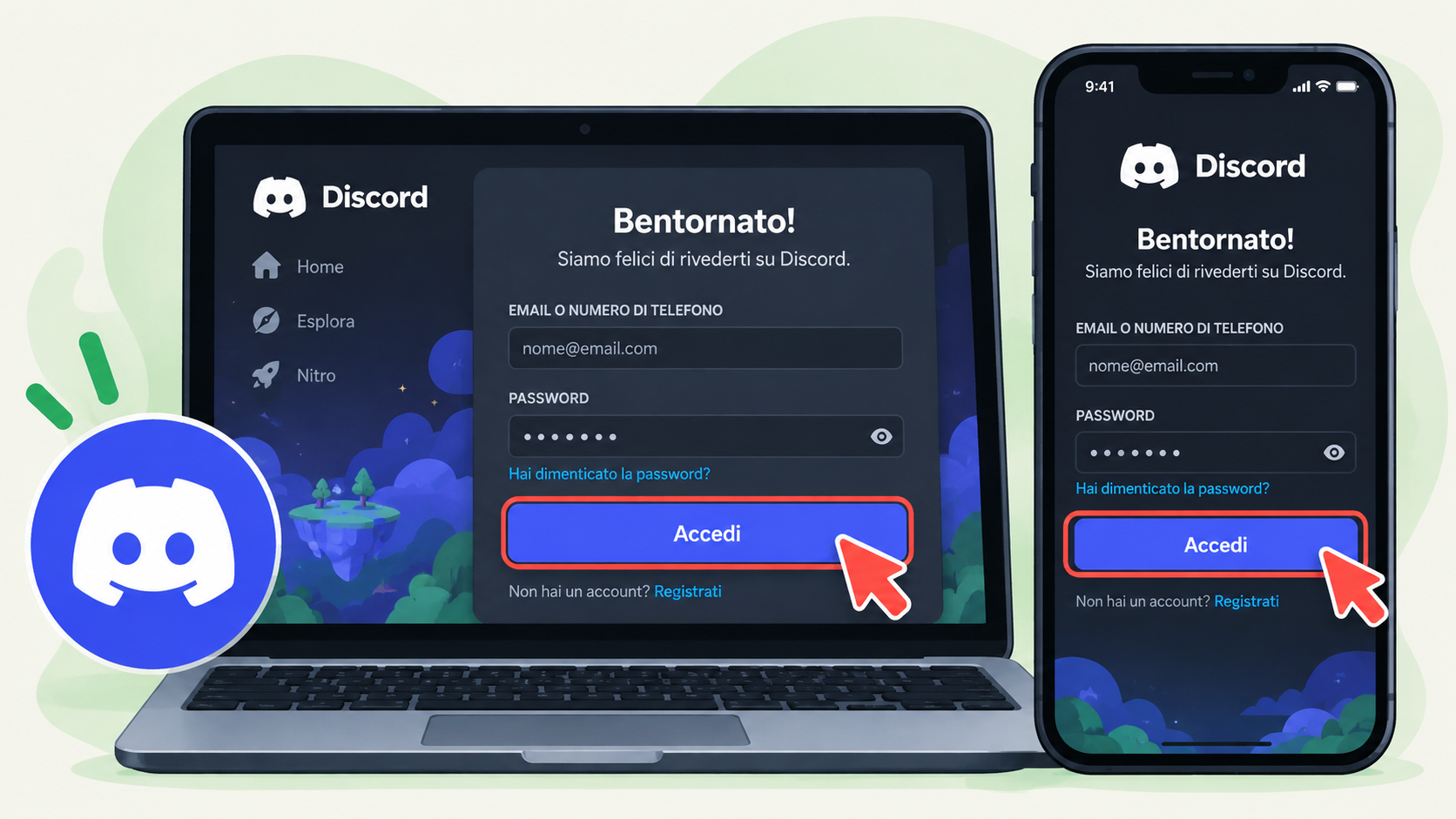
4 / 6
Open Discord and sign in with the email address and password for the account you just created.
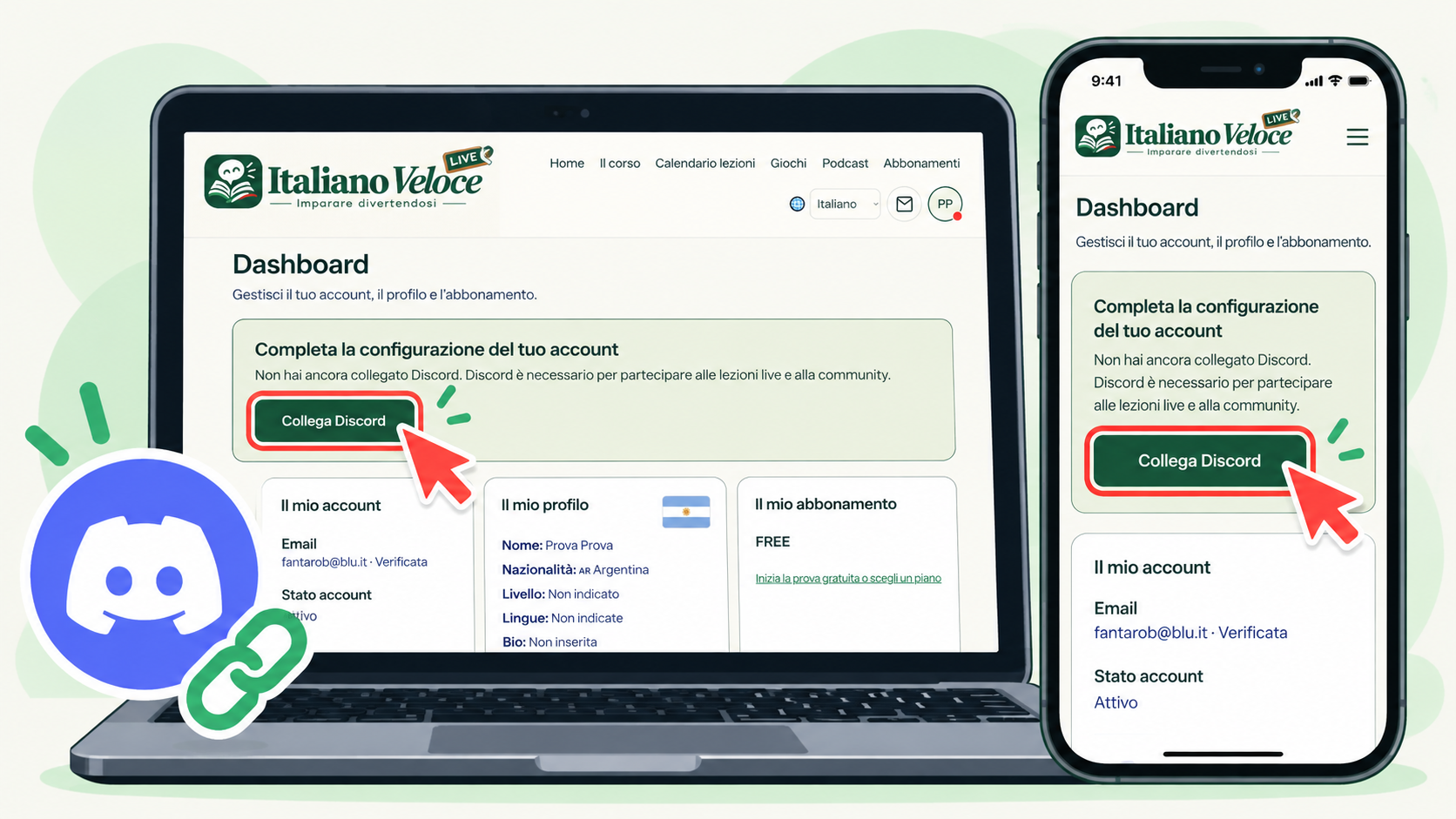
5 / 6
Open your Italiano Veloce personal area and select Connect Discord to link your account.
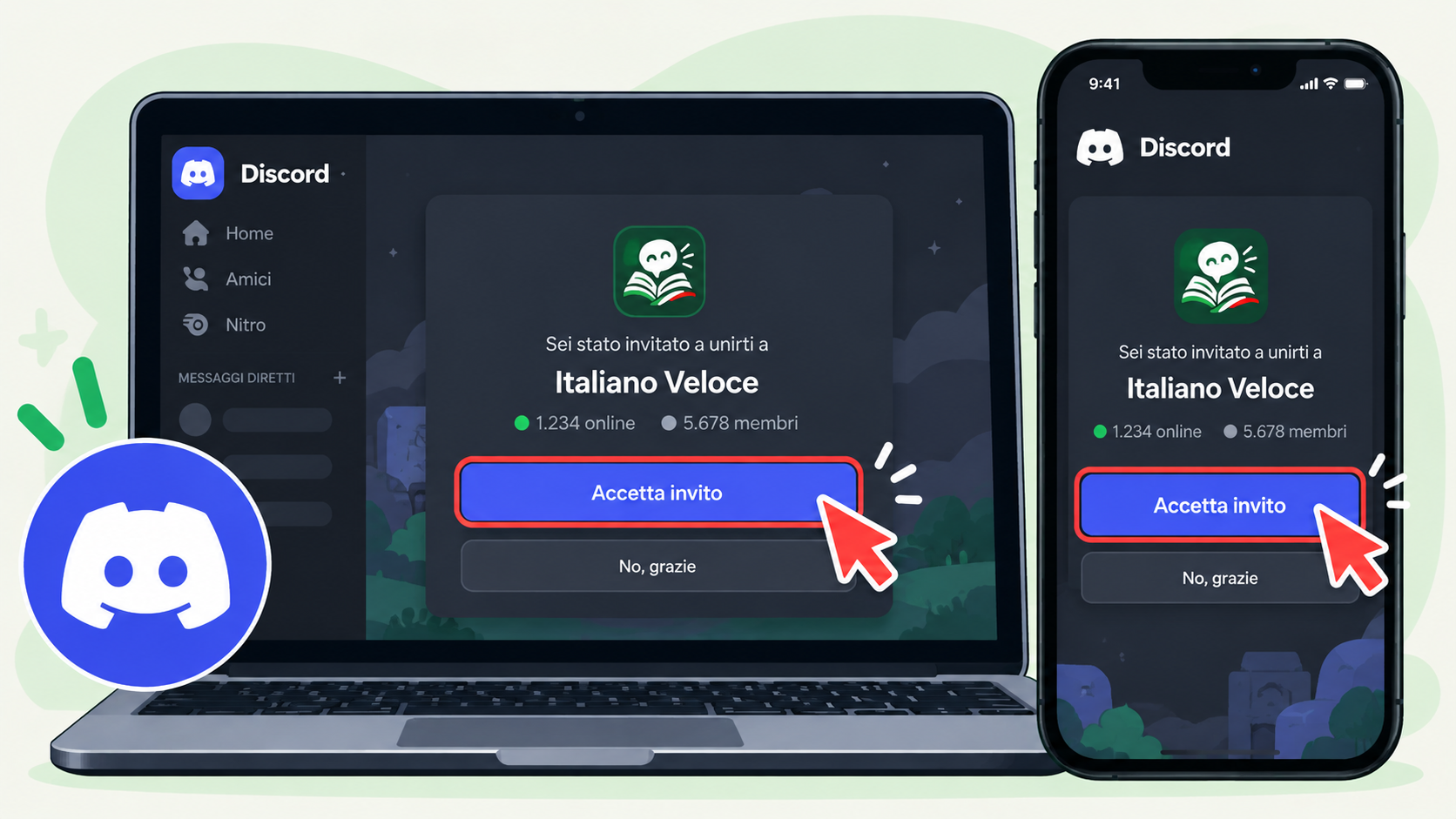
6 / 6
Accept the invitation to the Italiano Veloce server. You are now ready to access lessons on Discord.
Connect your account to the site: we'll try to add you to the server automatically. If needed, we'll show you an invitation.
Connect my accountCheck volume, headphones or Bluetooth. Choose the correct audio output in Discord's Voice and Video settings.
Check that your microphone isn't muted and Discord can use it. Try another audio input.
Open Set up Discord: the site checks your membership and shows an invite link if needed. Use the same Discord account you connected.
Complete any Discord entry rules, then refresh the setup page. If the check is unavailable, try again later.
Check that the lesson is in progress and your plan allows access. Intensivo also requires a valid booking.
Open the site calendar, choose the lesson and use Join on Discord while it's in progress.
Disconnect the old account in your profile and connect the new one. Join the server with the same account.